01TIMER.COM / Timing system guides / Maintenance
Sports Timing System Maintenance Checklist
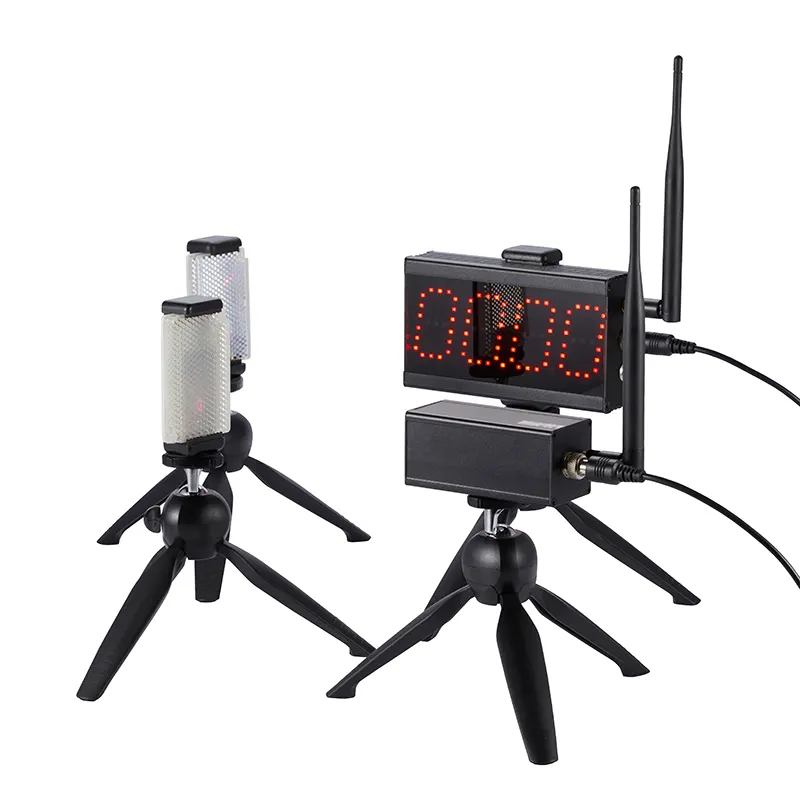
A timing session is easier when the equipment check happens before athletes arrive. This checklist covers wireless timing systems and laser timing gates from storage to pack-down.
Before leaving storage
- Confirm every transmitter, receiver, display, charger, tripod, reflector, and cable is present. Use the product’s published package list rather than memory.
- Charge batteries and pack a spare set where the model allows it. Label chargers so a mixed equipment drawer does not become a last-minute search.
- Look for cracked housings, bent mounts, loose connectors, damaged lenses, or moisture. Set aside anything questionable instead of putting it into the session kit.
- Bring the correct manual or setup notes. 01TIMER keeps manuals and first-test guidance on its support manuals page.
At the venue
Start with a short, controlled test. Place the gates where the athletes will pass, check alignment and line of sight, power each unit, and trigger several test runs. Confirm that the result appears at the intended receiver or display before the real session begins.
For wireless equipment, check the link after the units have been moved to their final positions. A system that worked on a workbench still needs a course-level check. For wired equipment, protect cable paths and verify each connection without creating a trip hazard.
During a busy session
- Keep a simple log of missed triggers, unusual results, battery changes, and any moved gate.
- When a result looks wrong, repeat the same run once before changing several variables. Check athlete path, gate alignment, power, and the recording step in that order.
- Keep unused equipment out of walkways and away from water, direct impact, and vehicle traffic.
- Use consistent names for lanes, checkpoints, or athletes so a good time does not become an unidentified time.
After the final run
Power down according to the product instructions, wipe dirt from lenses and housings with suitable materials, and allow damp equipment to dry before packing. Do not force connectors or wind cables around sharp bends. Record anything that needs attention while the setup is still fresh.
Monthly and seasonal checks
Once a month, inspect battery condition, mounts, chargers, cables, and cases. Before a new season, run a repeatability check with a known setup and compare the recorded results. This is not a claim that every system should produce a particular number. It is a way to find a change in your own equipment or process before it affects a testing day.
Need a replacement part or help with a setup question? Use replacement parts and setup support. Confirm compatibility by model before ordering.
Good maintenance is repeatable: the same short check before every session is more useful than a long inspection done only after a failure.