01TIMER.COM / Timing system guides / Data workflow
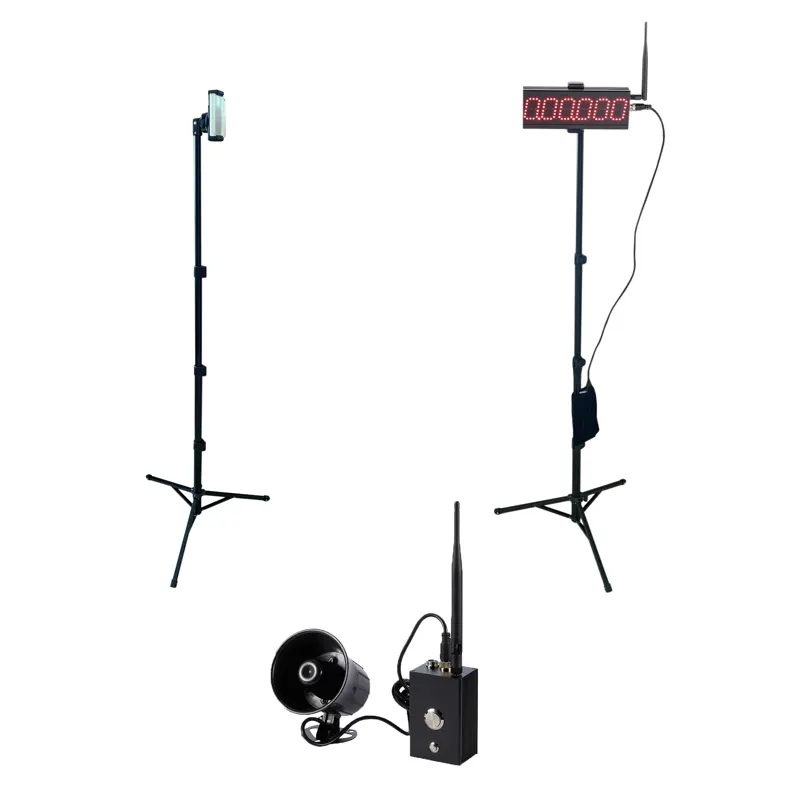
Export Timing Data to CSV: Practical Workflow
A CSV file is only useful when someone can tell who ran, what they ran, and how the result was produced. Set up the roster and session fields before the first athlete enters the lane, then keep the raw attempts intact.
Why the export starts before the test
Timing devices may display a result immediately, but a training database needs more context than a number and a timestamp. If names are typed in a hurry, lanes are renamed midway through the session, or attempts are overwritten, the export becomes a clean-looking file that is difficult to trust.
Decide which fields your staff will use every time. Keep them short enough to enter on a phone or station sheet. Add a field only when it answers a real question or protects the identity of a result.
Use a stable row structure
| Field group | Example fields | Why it matters |
|---|---|---|
| Identity | Athlete ID, display name, group, coach | Separates people with similar names and supports later roster updates. |
| Session | Date, session ID, venue, surface, operator | Shows where and when the result was produced. |
| Protocol | Test name, distance, start rule, gate layout | Prevents unlike tests from being compared as if they were the same. |
| Attempt | Attempt number, lane, result, unit, valid flag | Preserves the raw sequence and makes exclusions visible. |
| Notes | Equipment change, missed trigger, weather, reason for rerun | Explains unusual rows without editing the original result away. |
Store one row per attempt. A separate summary can calculate best, median, or selected results. Do not replace the raw rows with a single personal record; that removes the evidence needed to understand a change.
Prepare the athlete roster
Give every athlete a stable identifier that is not a nickname. A school or club might use an internal code, while a private coach may use a short code that only the coach can map to a name. Keep the mapping protected and limit the exported file to the information the staff actually needs.
Before the session, check spelling, group labels, and duplicate IDs. If a new athlete arrives, add them through the same process as everyone else. Avoid creating one-off names such as “Alex new” or “Jordan 2”; they become permanent cleanup work later.
Define how attempts are recorded
Write the attempt policy on the station sheet. It should state the number of practice and scored runs, rest guidance, what makes a run invalid, and whether a rerun receives a new attempt number. The policy can be simple. It just needs to be decided before a surprising result appears.
Use a valid flag rather than deleting an invalid row. A note such as “missed beam during turn” or “equipment moved before run” is more useful than a blank cell. If the device does not store notes, add them immediately after the export while the session is still fresh.
Check the CSV before using it
Open a copy of the export and run a short validation:
- Confirm the expected number of athletes and attempts.
- Check that distances, units, and decimal separators are consistent.
- Look for blank IDs, duplicate rows, impossible negative values, and result cells stored as text.
- Compare a few rows with the device display or station sheet.
- Save an untouched original and work from a dated copy.
Do not assume that a file named “CSV” uses the same columns on every system. Read the current product documentation and test one export before a large team session. The repeatable athlete testing workflow gives a broader session-recording pattern.
Compare sessions without hiding the protocol
When you calculate a change, keep the old and new protocol fields beside the result. A faster time may reflect a different start, surface, warm-up, or gate location rather than a clean training effect. The comparison is still useful, but label what changed.
For sprint and short-distance testing, review the 30m, 60m and 100m protocol guide. If you are selecting hardware, the S-009 product page is the source for published model details and supported workflows.
Keep both files: preserve the raw export, then create a cleaned analysis copy. Good data management is easier when the original result never disappears.