01TIMER.COM / Timing system guides / S-400 planning
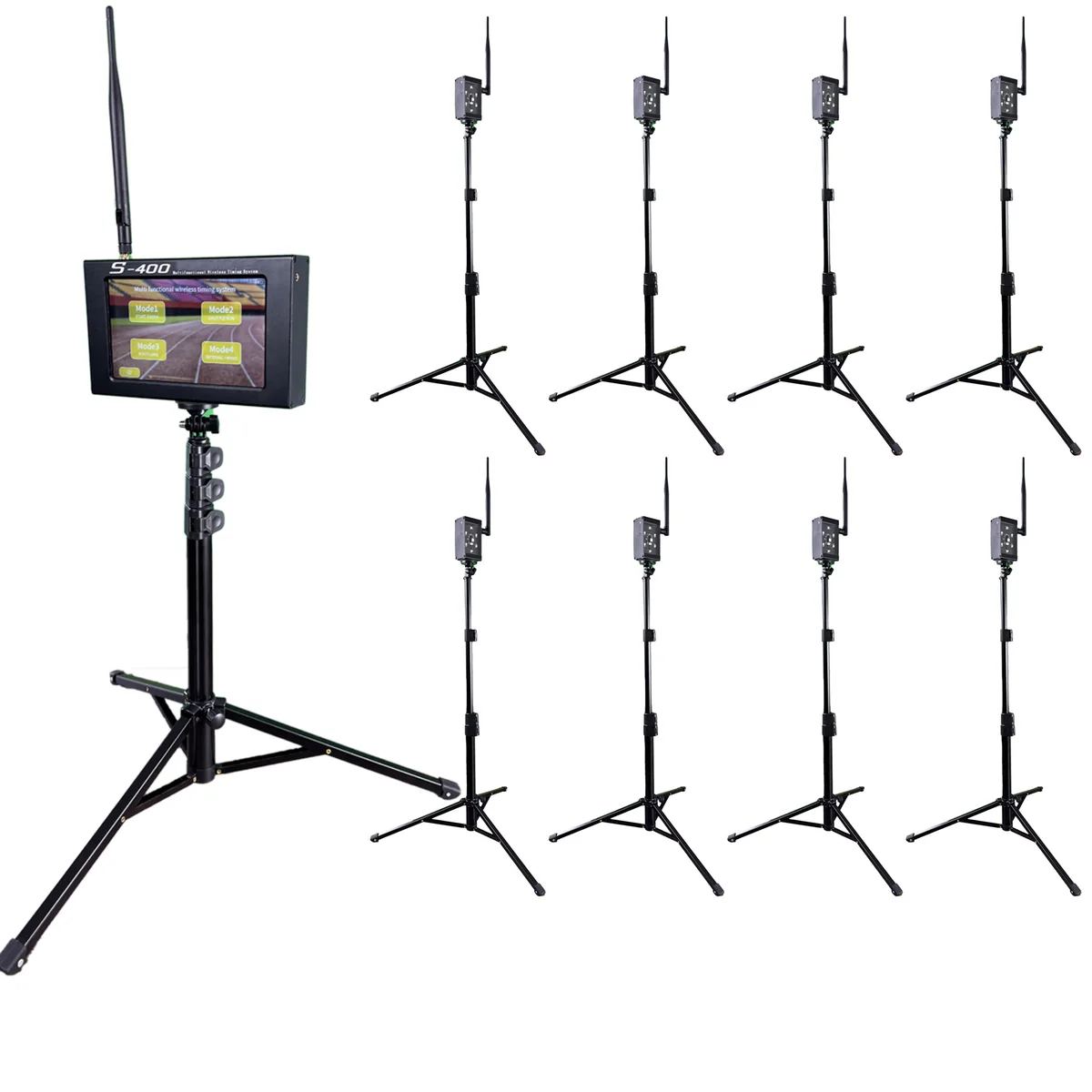
Planning a Configurable Sports Timing Layout With S-400
A configurable system solves a planning problem only after the venue defines it. List the tests, draw the timing points and decide how results will move through the session. Then the sensor count has a reason behind it.
Write the test list first
The current S-400 product page presents a multi-point timing architecture for custom setups, venues, schools and distributors. Its setup material includes start-finish, shuttle-run and multi-lane modes. Those modes have different physical layouts, so one generic sensor count does not describe every use.
Create a short list of tests the venue will run during a normal month. Give each test a name, course shape, number of active lanes, required split points and expected athletes per session. Separate regular work from occasional events.
Draw timing events, not equipment icons
On a simple venue plan, mark each event the system must detect: start, intermediate passage, turn return, lap passage or finish. Add the direction of travel. Only after that should each event be matched to a sensor position and supported operating mode.
This approach prevents a common counting error. Two course marks are not always two independent timing events, and a shared line may play a different role in another mode. Use the model documentation to confirm how the selected package handles each layout.
Match the package to the busiest regular layout
| Planning field | Question to answer | Why it matters |
|---|---|---|
| Controller | Does the chosen package include the required control host? | The product page lists options with and without a host. |
| Timing points | How many sensor positions operate at once? | The peak active layout drives the immediate requirement. |
| Modes | Which layouts will change during one session? | Changeover time belongs in the operating plan. |
| People | Who sets up, checks and records each test? | A larger layout needs clear ownership. |
| Expansion | Which additional test is genuinely likely? | Future capacity should have a named use. |
The S-400 page currently shows package choices ranging from sensor-only configurations to packages with a control host and several sensor counts. Treat those live options as the source of truth, since availability and package contents can change.
Plan one setup and one changeover
A venue that runs start-to-finish sprints in the morning and a shuttle test later needs two documented diagrams. Mark what stays in place, what moves and what must be checked again. Store the diagrams near the equipment so another operator can reproduce them.
For the physical checks, use the alignment and beam-height guide. When several intermediate points are involved, the multi-distance sprint protocol shows how segment positions can be labelled and recorded without mixing cumulative and split times.
Design the record before the first trial
Use a layout ID in every result row. Add test name, athlete ID, lane, start method, timing-point labels, attempt, result and validity note. When the system changes from one mode to another, start a new session block rather than continuing an ambiguous list.
A configurable layout can generate more fields than a basic finish-only test. The timing data and CSV guide explains how to keep raw exports, athlete identifiers and summary tables separate.
Confirm the plan before buying
Send the venue diagram, test list and peak active sensor count when requesting configuration advice. Ask which package supports that exact plan, what is included and which steps apply when changing modes. Use the request-a-quote page when the standard package description does not settle the question.
Useful planning test: if every sensor position cannot be named in one sentence, the layout is not ready to order or deploy.