Give each audience a viewing point
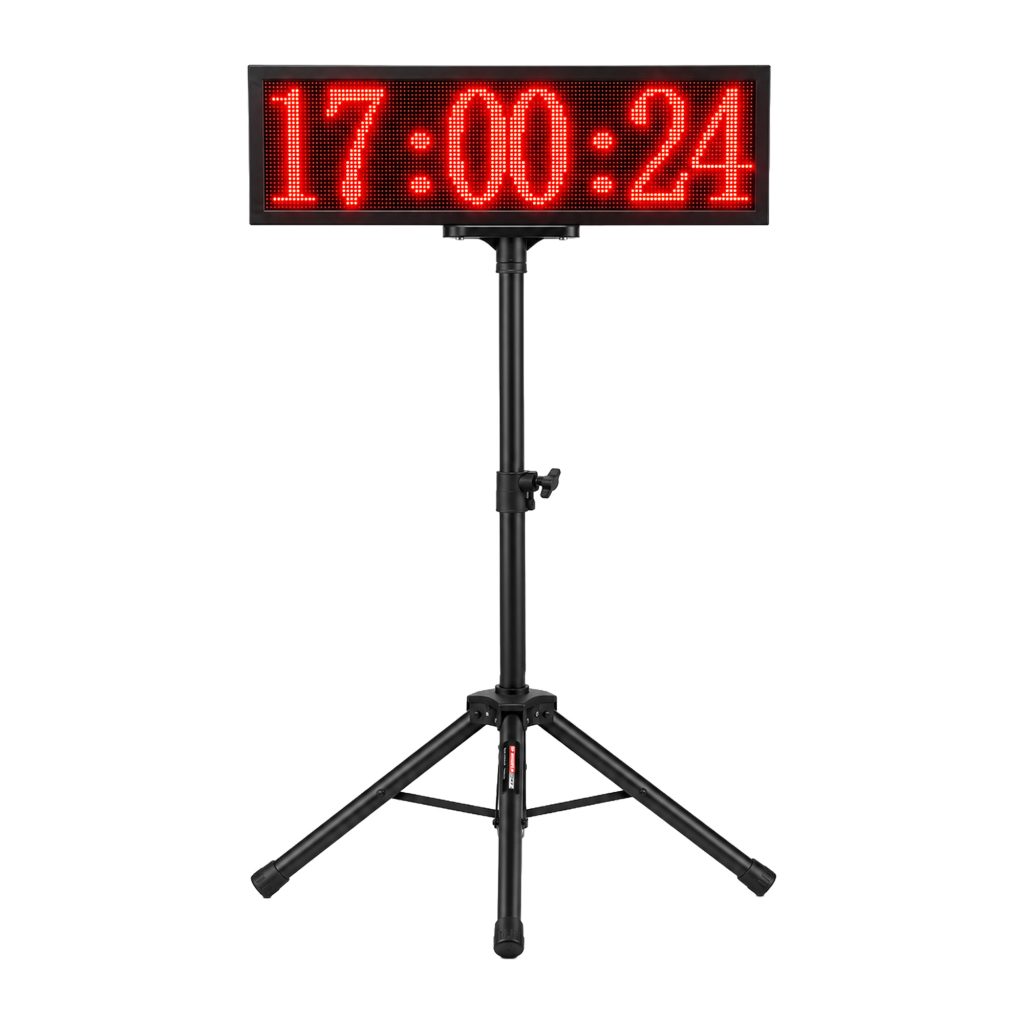
The current 01TIMER LED Display page describes a large visible timing result display for venues, tracks, school events, clubs and public timing. That purpose is broad. A useful school sports day LED display plan makes it specific by naming who reads the result and what they do next.
Athletes
They need a quick reading after the finish without turning back into the lane.
Officials
They need an unobstructed value that can be matched to the correct heat and athlete.
Spectators
They need a readable result without moving into the officials' working area.
One screen may serve all three groups, but only if their viewing lines do not cross the finish workflow. Draw arrows from each audience area to the proposed display. An arrow that passes through the finish chute signals a placement problem.
Keep the finish exit clear
Place the display beyond the athlete's immediate stopping path or off to the side, according to the venue. A runner who turns sharply to read a number can collide with another finisher or an official. Leave a straight run-out area, then direct athletes toward a safe viewing point.
The display stand and power route must also remain outside the lane. Tape or cover cables according to the venue's safety process. The product page says the stand or mounting accessories and power support depend on the selected package, so confirm these items before drawing the final position.
Test sightlines at event time
A position that works during setup may be difficult to read later. Check the display from each audience zone at the same time of day as the event. Note direct sun, shade, reflections, temporary tents and people who may stand in front of it.
| Check | Test from | Record |
|---|---|---|
| Digits are readable | Athlete exit and officials' table | Viewing point and approximate distance |
| Screen is not blocked | Spectator boundary | Barrier, tent and staff positions |
| Glare is controlled | All intended viewing angles | Time, direction and screen orientation |
| Equipment is protected | Finish and public approach | Stand footprint and cable route |
The existing LED display visibility guide gives a general glare and distance check. This school plan adds athlete movement, crowd control and result approval to that physical setup.
Separate display time from official result
Decide what the screen shows and who confirms it. A visible time can help athletes and spectators follow the event, while the officials' sheet remains the controlled record. If a false start, accidental beam crossing or lane problem causes a rerun, staff need a clear way to hold or correct the published result.
Use one event identifier across the start list, timing record and official sheet. Announcers should repeat the confirmed heat and athlete rather than reading an isolated number from the display. The timing data and roster guide explains how stable athlete IDs prevent results from drifting between systems.
Match the display to the timing system
The LED Display page says it is for compatible timing systems and asks buyers to confirm operating mode, power and site conditions. Do not assume that a connector, cable or wireless accessory works because it looks familiar. Send the exact timer model, existing accessories and required display position when requesting confirmation.
For a larger packaged display, compare the ML-01 and X-001 PLUS fit guide. If the school is still selecting the timer itself, start with the timing system selection matrix and define starts, lanes, splits and laps before adding a public screen.
Run a ten-minute result rehearsal
Use a sample heat with a real start list. One student or staff member crosses the finish, the operator checks the timing value, an official connects it to the correct name and the display is read from each audience zone. Then simulate a result that must be held. The announcer and recorder should know what to do without improvising.
- Power the display with the planned event arrangement.
- Confirm the timing system sends the expected value.
- Read the digits from every marked viewing point.
- Walk the athlete exit and spectator boundary.
- Hold one sample result, then release or correct it.
- Photograph the accepted layout for event-day setup.
Questions schools ask before setup
Should the screen face the finish line?
It should face the intended readers. That may be across or beyond the finish rather than directly along the running lane. Test the actual angles on site.
Can spectators rely on the first number shown?
The event should state whether a displayed time is provisional or confirmed. Officials need a process for invalid trials and corrections.
What information should go with a quote request?
Send the timer model, venue diagram, audience zones, viewing distances, outdoor or indoor conditions and available power through the request-a-quote form.