01TIMER.COM / Timing system guides / School testing
School Sprint Testing Template for Repeatable Results
A school testing day has a different constraint from a private session: many students, limited time, several adults, and a duty to handle results carefully. A short written template keeps the test fair without turning the day into a paperwork exercise.
Write the protocol in plain language
Choose the distance and state the exact start and finish rules. Write down the surface, lane arrangement, warm-up expectation, practice attempt policy, scored attempts, rest, and what happens after an invalid run. A substitute teacher or assistant should be able to read the sheet and give the same briefing as the lead coach.
Do not combine different start methods under one result column. A standing start and a rolling start answer different questions. If a class needs different distances, give each test its own protocol name and record it with the result.
Use a simple station plan
| Role | Task | Check before the group starts |
|---|---|---|
| Lead tester | Explains the protocol and decides whether a run is valid. | Briefing uses the same words as the station sheet. |
| Equipment operator | Checks alignment, power, lane position, and the timing display. | Several controlled passes produce an identifiable result. |
| Recorder | Matches the result to the student ID and attempt number. | Roster IDs and lane assignments are legible. |
| Safety spotter | Manages the start queue and clear space beyond the finish. | Students can decelerate without crossing another lane. |
One person can hold more than one role in a small class, but naming the tasks prevents a common failure: everyone assumes someone else is watching the result identity or the finish area.
Prepare the student roster
Use an internal student ID or a school-approved code in the working file. Keep names and results together only where access is authorized. Before testing, remove duplicate IDs and confirm that every student knows the code or station label that will be used to identify their attempt.
Print a station sheet or prepare a controlled digital form with fixed fields:
- Student ID and group
- Test name and distance
- Lane or station
- Practice or scored attempt
- Result and unit
- Valid or invalid status
- Short note for a rerun, equipment change, or unusual event
Run a short equipment check
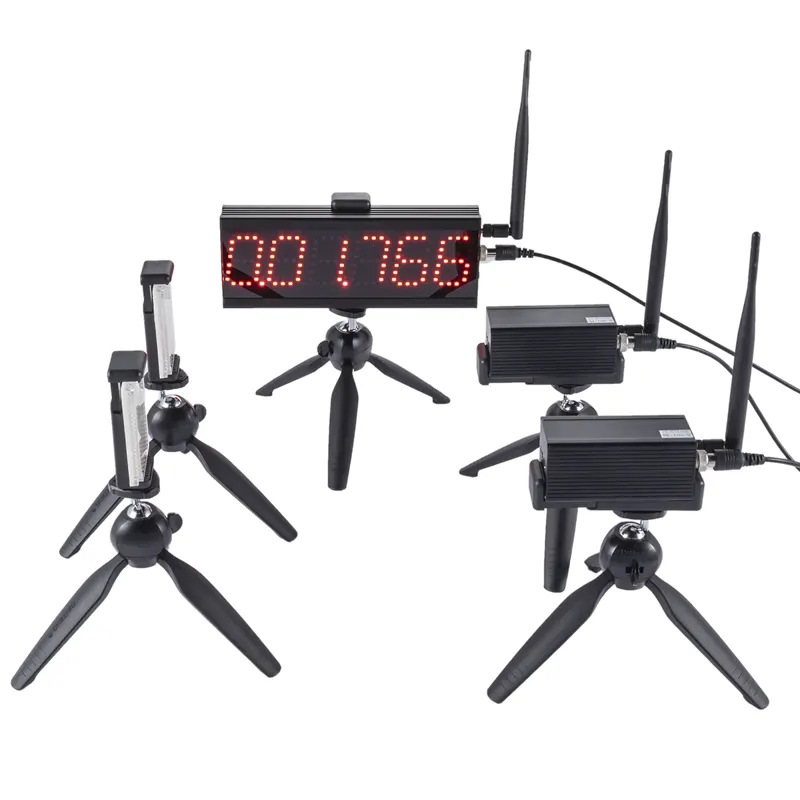
Place the gates in the final lane and check the complete path, not only the electronics on a table. Confirm the start position, the finish line, the receiver or display, and the area beyond the finish. Test each station after moving it into place.
For alignment and beam-height considerations, use the timing gate alignment guide. For a sprint-specific equipment option, see the S-009 product page. The product page and manual remain the source for model-specific limits and package contents.
Keep the testing flow predictable
Start with a walkthrough and one practice run. Call students by ID or station number, not by an improvised nickname. Keep the rest period and lane order consistent enough that the class understands what happens next.
If a result looks unusual, check the athlete path, start rule, gate alignment, and recorder entry in that order. Mark the row for review or rerun it under the stated policy. Do not erase a result because it is inconvenient. A visible exception is easier to explain than a missing number.
Report results with context
A school report can show a student's result, change from a prior session, and the test date without exposing raw data to everyone. Keep the protocol name, distance, and start rule with the internal record. If a class changes venue or equipment, note that change before comparing results.
The CSV and athlete-roster workflow gives a practical structure for keeping raw attempts separate from summary results. For a wider sprint protocol, see the 30m, 60m and 100m sprint timing guide.
Fairness comes from consistency: the same instructions, course, timing rule, and record fields make a school result easier to understand and defend.