01TIMER.COM / Timing system guides / S-007 split labels
S-007 Cumulative Splits vs Segment Times Explained
Two tables can contain the same gates and still answer different coaching questions. Decide whether each value runs from the start or only between checkpoints before you name the columns.
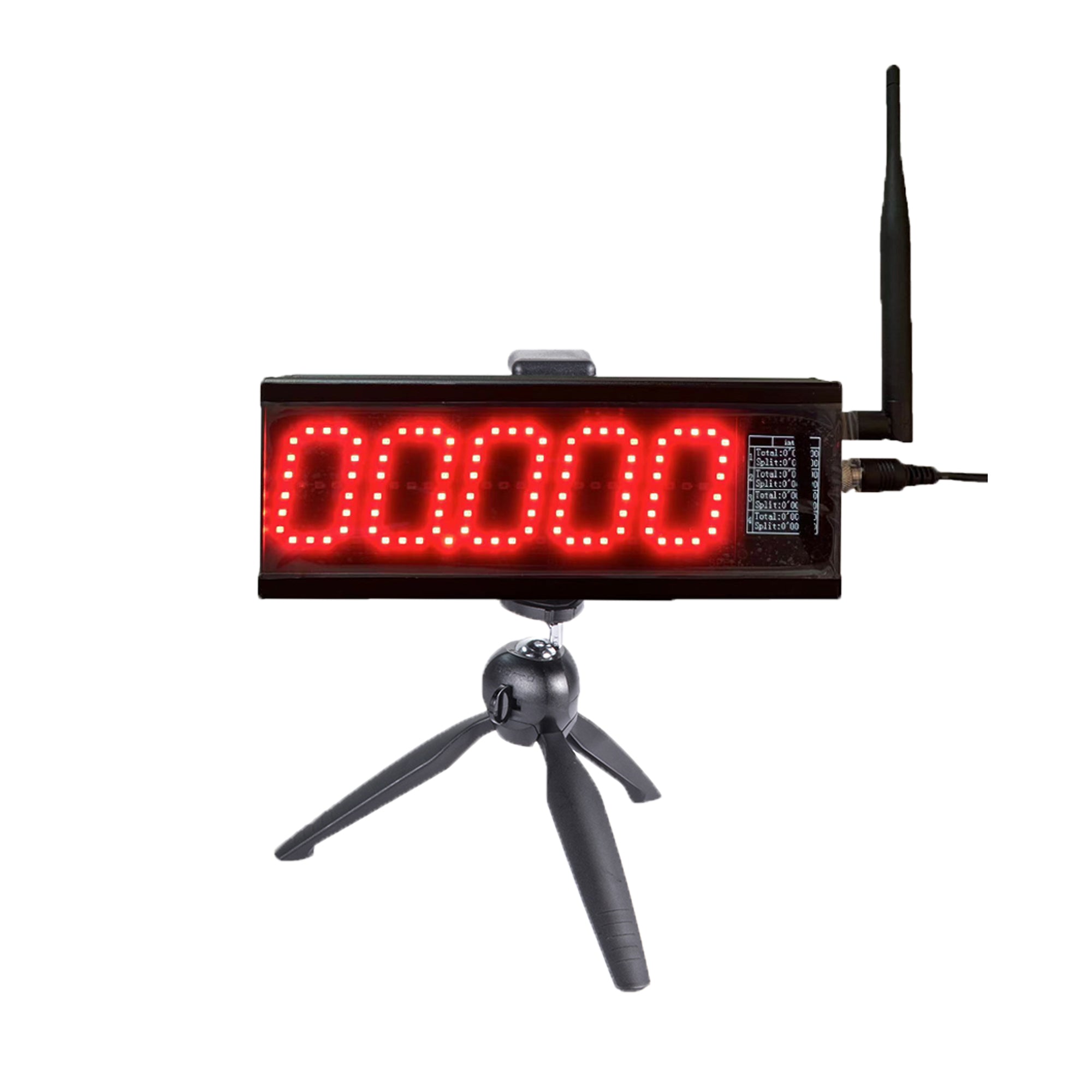
The S-007 multi-point laser timing system is described for interval, segment and multi-track timing. Its product page says the exact mode and package details are model-specific. This article focuses on the data definition around an S-007 layout: how to label a cumulative checkpoint, how to describe a segment and how to keep the two from being compared by mistake.
Name the events before placing the gates
Write the start, each checkpoint and the finish as named events on the course map. Then write the result fields in the same order. For a 0–10–20–30 m layout, “T10” can mean start-to-10 m and “S10-20” can mean 10 m-to-20 m. Those labels are more useful than a column called “split 2,” which changes meaning when the course changes.
The S-007 layout guide starts with events rather than equipment for this reason. Draw the measured distances between beam planes, not only the approximate tripod positions. If the course is curved, record the surveyed path and the crossing direction. The alignment guide covers the physical crossing check after the map is fixed.
Use a simple equation to audit the labels
| Field | Definition | Audit question |
|---|---|---|
| T0–T10 | Time from the defined start to the 10 m checkpoint | Does the start rule match the session? |
| T0–T20 | Time from start to the 20 m checkpoint | Is the checkpoint still 20 m on the current map? |
| S10–20 | Time from 10 m checkpoint to 20 m checkpoint | Can it be reconciled as T0–T20 minus T0–T10? |
| T0–T30 | Total time to the finish at 30 m | Is the result being compared with the same start type? |
The subtraction check is a data audit, not a reason to invent a missing event. If one checkpoint was not recorded, mark the segment as unavailable. Keep the raw values and the course version with the result. The CSV export workflow explains why stable field names and participant IDs matter when a coach reviews multiple sessions.
Choose splits that answer one coaching question
More checkpoints create more rows to set up and review. Add a gate because it answers a question, such as whether early acceleration improves while the later section stays steady. If you only need a final 30 m time, a multi-point layout may add work without adding insight. The sprint distance guide shows how distance and start choice change the meaning of the test.
For a flying effort, document the run-in and start plane separately. A T0–30 cumulative field from a standing start cannot be compared to a 10 m-to-40 m flying segment as if they measured the same action. The flying sprint setup guide covers the run-in distinction, while the cycling rolling-start protocol gives a non-running example of a measured zone entered at speed.
Rehearse the result order with one tester
Before athletes arrive, ask one tester to cross the course in the intended direction. Have the receiver operator call each station name as the event appears, and have the results operator check that the field order matches the map. Repeat the pass if a station was moved or a label was changed. For a route with many points, the S-400 station handover record is useful as a model for signing off station names and exception rules.
Keep displays and result exports consistent. A public LED display may show only the latest value, while the coach's result sheet needs the checkpoint name and method. Review the LED visibility guide when deciding what spectators should see, and keep the full field definition in the operator record.
Report comparisons without overclaiming
When comparing sessions, match the course version, start type, gate order, surface notes and units. A faster cumulative split may hide a slower segment later in the run. A faster segment may come from a different run-in or wind condition. Write the observation plainly and avoid calling a single split a complete performance diagnosis.
For a configured multi-point project, send the gate count, distances, desired fields and venue sketch through the quote form. For setup questions or a result mismatch, include the S-007 model and raw field names on the contact page.
S-007 split questions
Can one gate supply both a cumulative and a segment time?
A segment needs two boundaries. It can be derived from two cumulative observations when both are valid and share the same start definition.
Should “split” mean the same thing in every report?
Only if the column definition stays fixed. Use explicit names such as T0–20 or S10–20 when the course has multiple checkpoints.
What if the gate order is wrong?
Pause the session, correct the map or configuration under the model procedure, run a controlled pass and keep the affected results marked for review.